Setting Up MetaMask for BNB Chain (Testnet + Mainnet) | MintyBlocks
MintyBlocks works on both Testnet (free testing) and Mainnet (real BNB). Follow the steps below to add both networks.
BNB Smart Chain Testnet (Free Testing)
1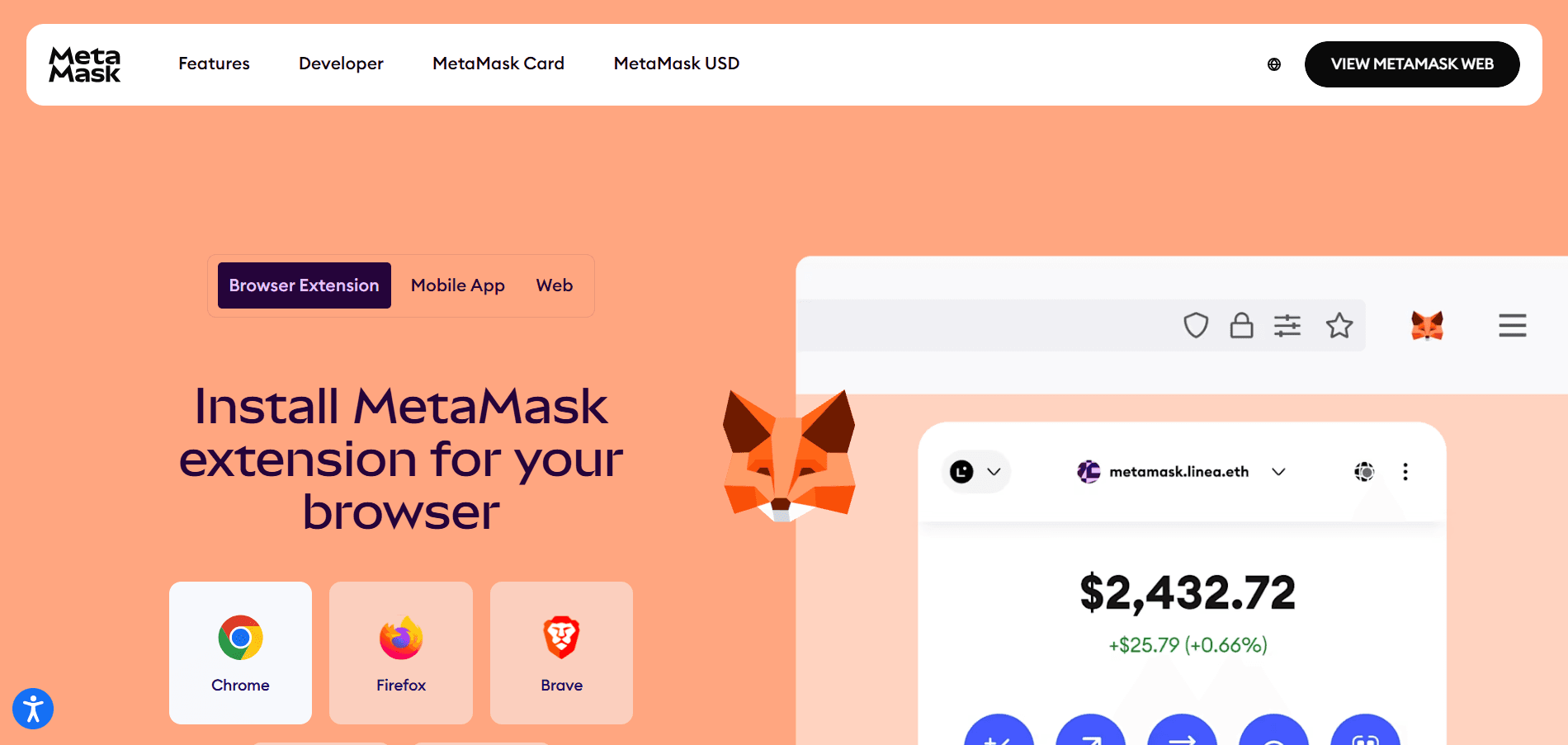
Add the Network Manually
Open MetaMask → Click the network name → “Add network” → “Add a network manually”
Click “Add network manually”
2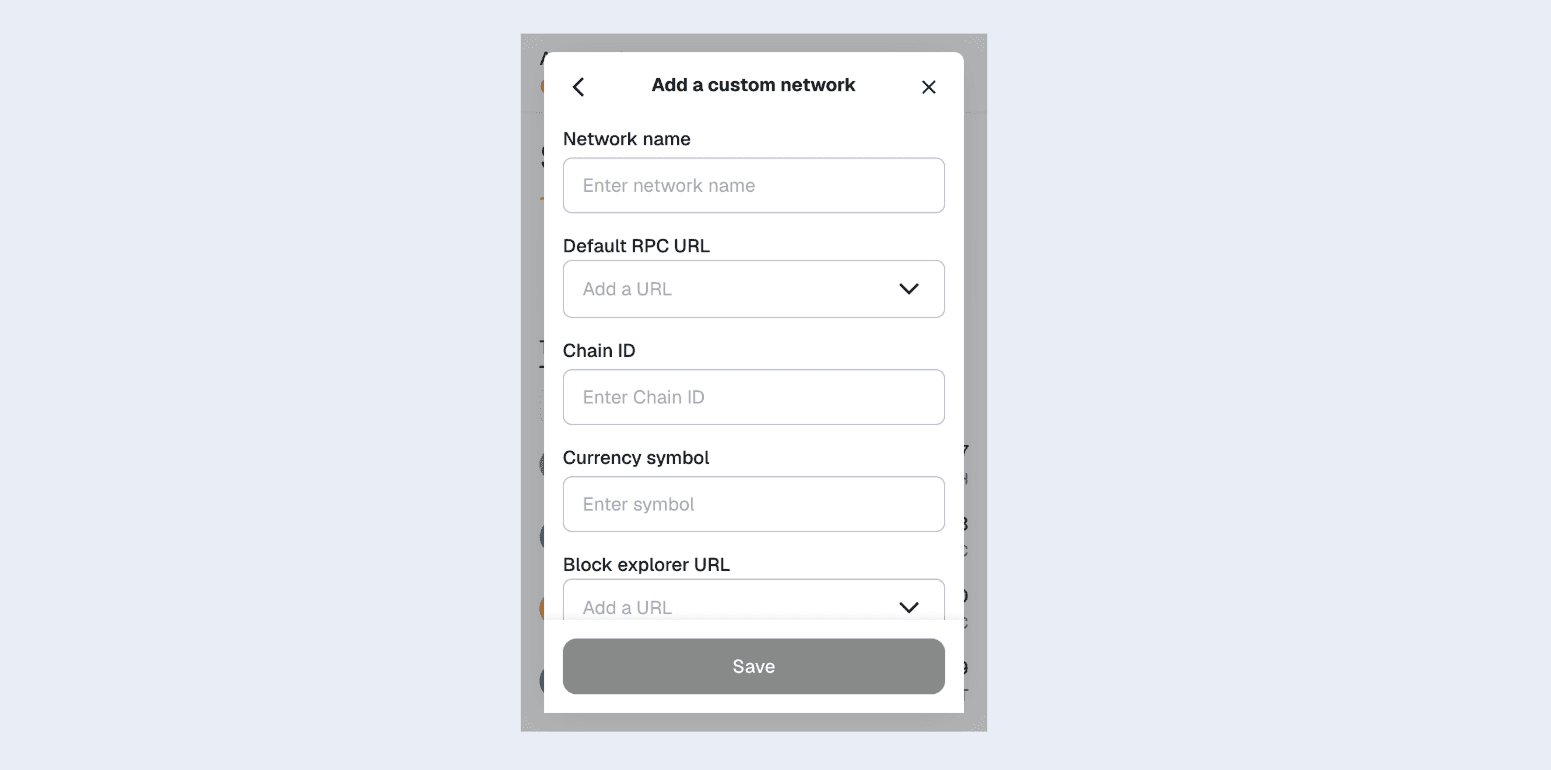
Testnet Connected Successfully
After approving, MetaMask will automatically switch to Testnet.
Testnet is now active!
Testnet Details (Manual Entry):
- Network Name: BNB Smart Chain Testnet
- New RPC URL: https://bsc-testnet-dataseed.bnbchain.org
- Chain ID: 97
- Currency Symbol: BNB
- Block Explorer URL: https://testnet.bscscan.com
BNB Smart Chain Mainnet (Live Network)
1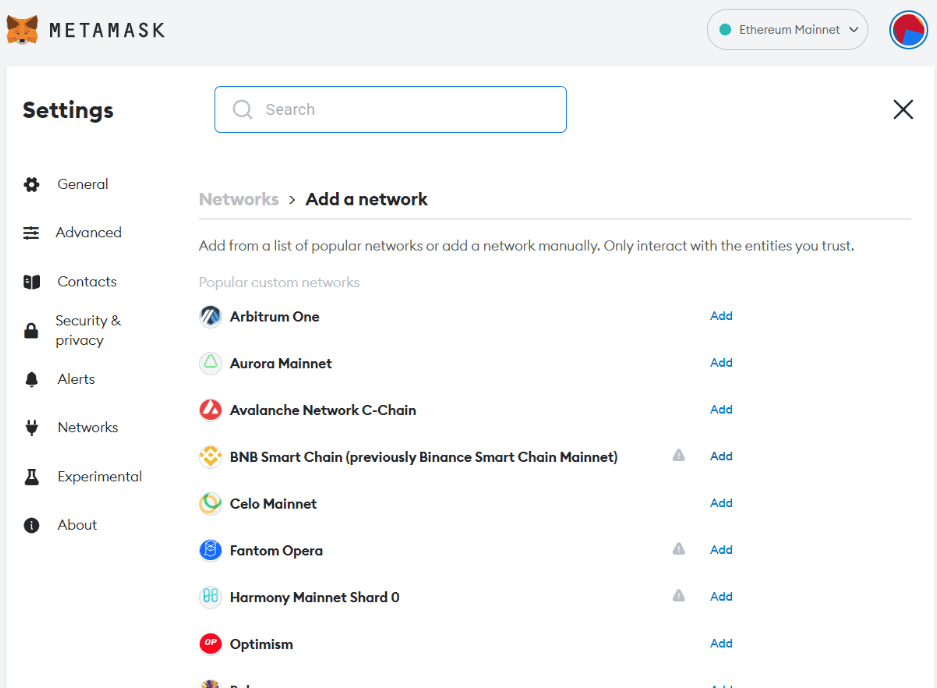
Add Mainnet (Same Process)
Use the same steps — just enter Mainnet details.
2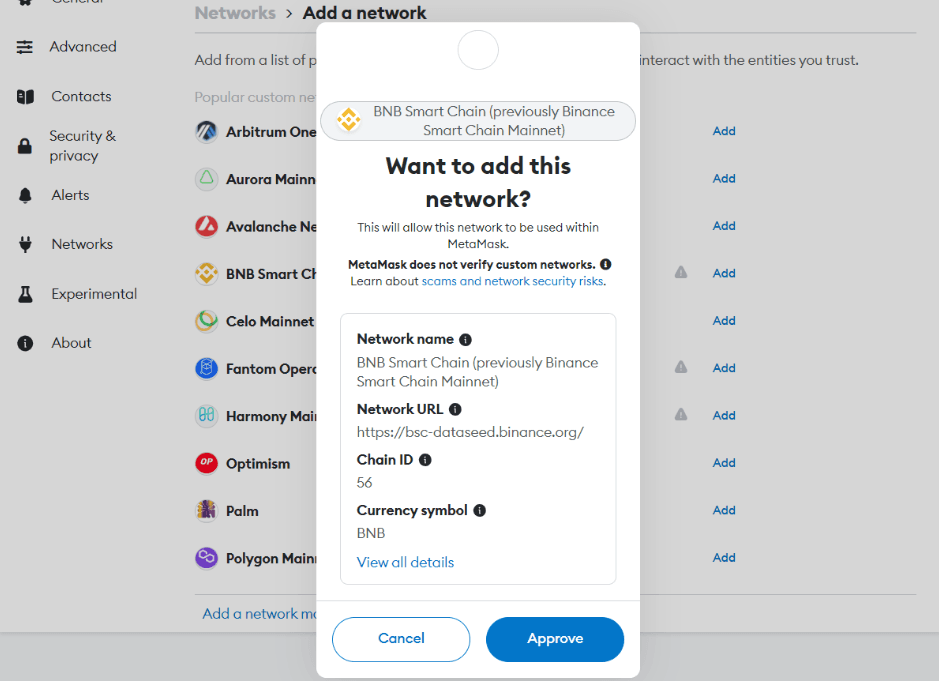
Mainnet Connected
You’re now ready to launch real NFTs with real BNB.
Mainnet is live!
Mainnet Details (Manual Entry):
- Network Name: BNB Smart Chain
- New RPC URL: https://bsc-dataseed.bnbchain.org
- Chain ID: 56
- Currency Symbol: BNB
- Block Explorer URL: https://bscscan.com
Pro Tip: Switch between Testnet and Mainnet anytime from the network dropdown in MetaMask!