Creating a Collection
A collection is the home for all your NFTs. Creating one on MintyBlocks is easy and takes just a few minutes.
1
Go to the Create Page
From the main menu, click Create → Create Collection.
2
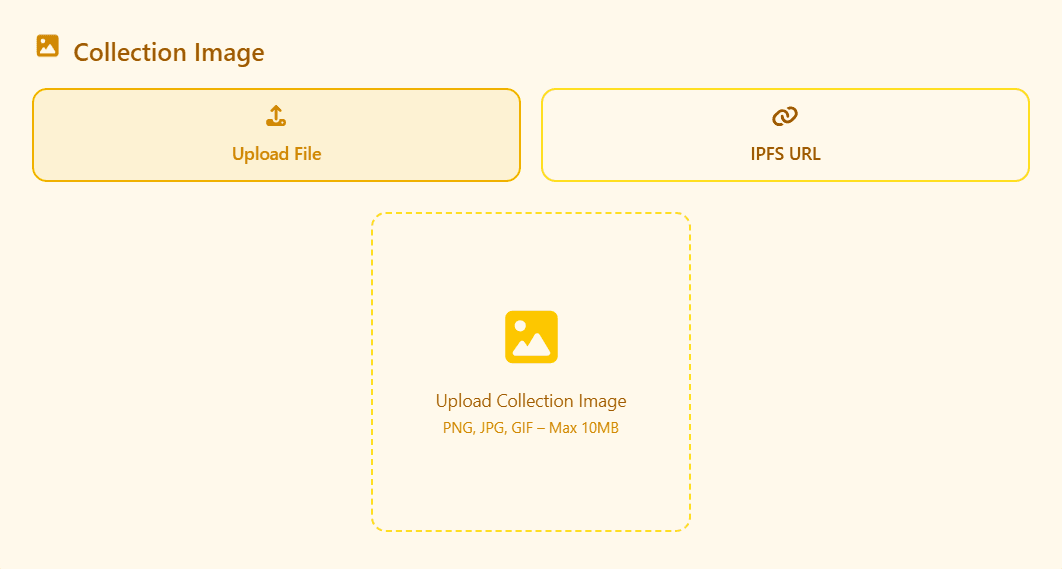
Upload Collection Banner
This image will appear as your collection banner on MintyBlocks and marketplaces.
- • Recommended size: 1400×400 px
- • Formats: JPG, PNG, GIF (max 10MB)
- • You can upload a file or paste an IPFS link
3
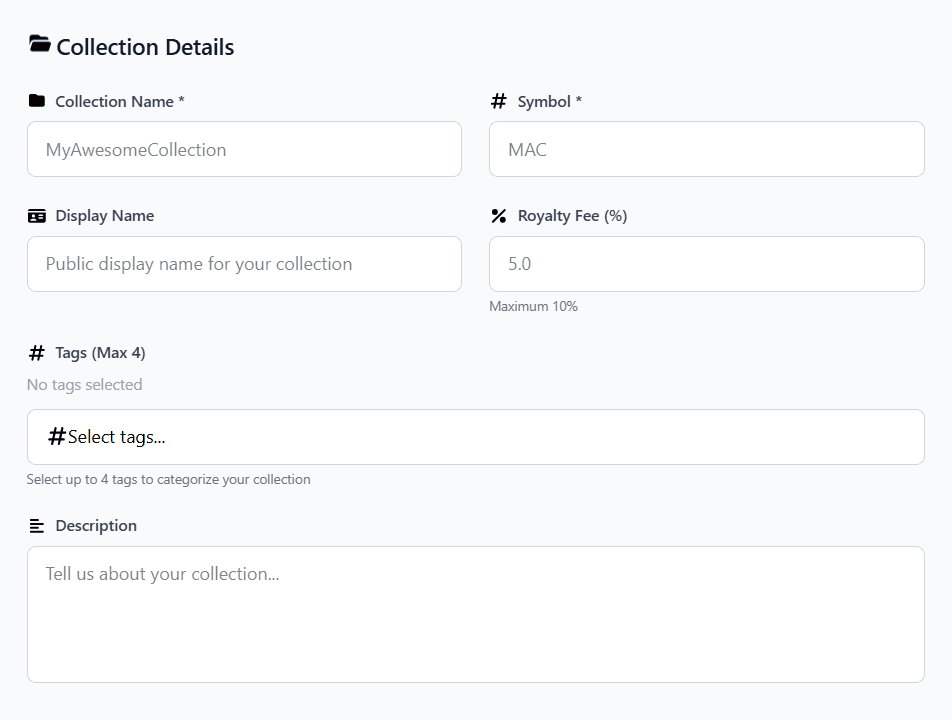
Fill in Collection Details
- Collection Name – e.g. “TSDGEMS”
- Symbol – Short ticker (max 10 chars)
- Display Name – Optional Pretty name
- Royalty Fee – Your % on Secondary sales (0–10%)
- Tags – Art, Gaming, PFPs, etc.
- Description – Tell your story!
4
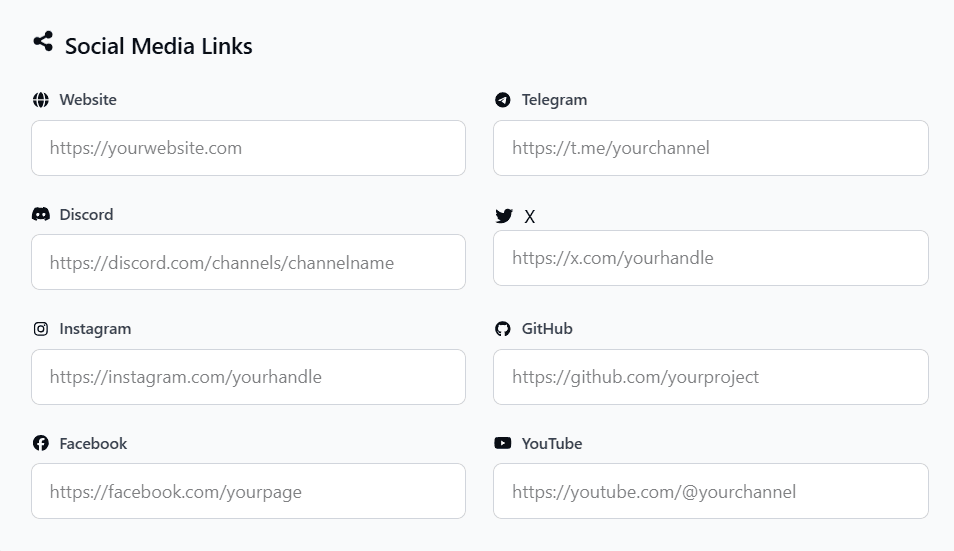
Add Social Media Links (Recommended)
Help buyers find your community:
Website
Telegram
Discord
Twitter / X
Instagram
GitHub
Facebook
YouTube
5
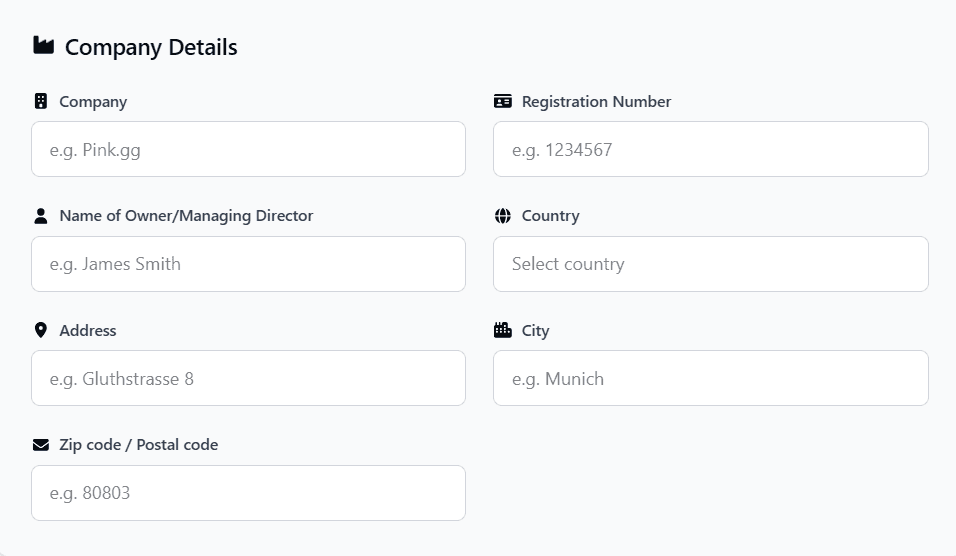
Enter Company Details (For Verified Badge)
This information adds trust and is required for verified collections.
- • Company Name
- • Registration Number
- • Owner / Managing Director
- • Country
- • Address
- • City
- • Postal Code
Final Step: Create Your Collection
- Review all information carefully
- Click “Create Collection”
- Confirm the transaction in MetaMask
- Wait 10–20 seconds → Collection created!
- Go to Profile → Collections to view your new collection
Congratulations! Your collection is now live on BNB Chain — time to create your first NFT