Creating an NFT
Once your collection is created, it's time to add your first NFT using Schemas and Templates Studio.
1
Go to Your Collection Dashboard
Open your profile → go to the Collections tab → click the Edit button on the collection where you want to create an NFT.
2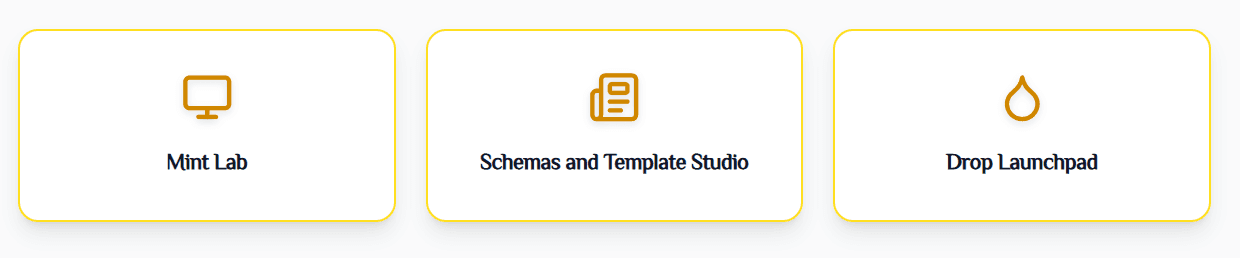
Access Schema & Template Studio Section
To create an NFT, you must first create a Schema.
Click on “Schema and Template Studio” in your collection dashboard.
Click “Schema and Template Studio”
3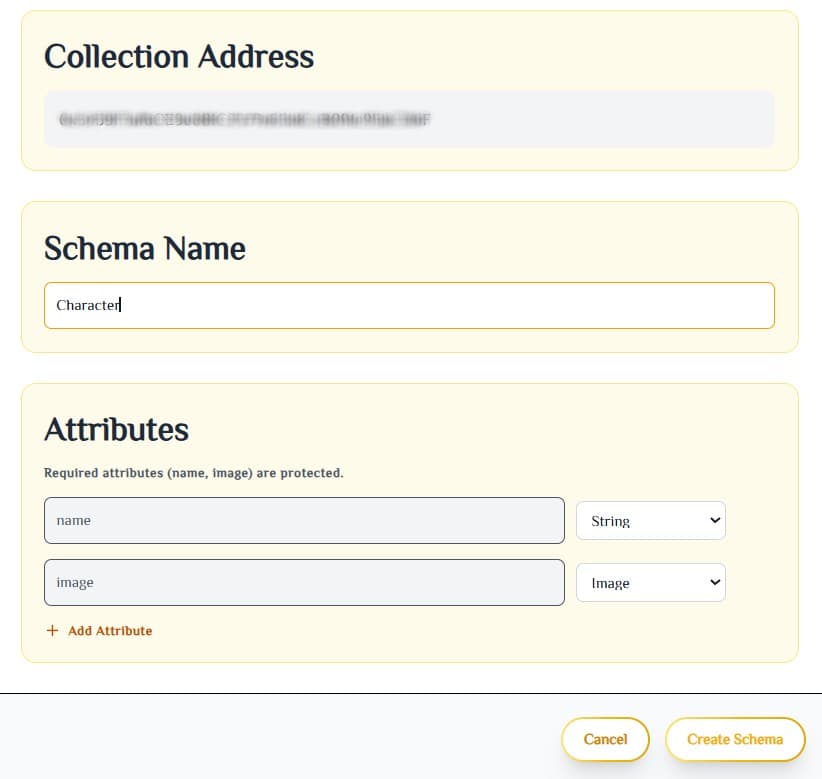
Create a New Schema
- → Click on New Schema
-
→
Fill in the details:
- • Collection Address (auto-filled)
- • Schema Name – e.g. "Character", "Card", "Artwork"
- • Add Attributes – Name, Type, Rarity, Image, etc.
- → Click Create Schema
Fill schema details and add attributes
4
Add Your First Template
- Select your newly created schema
- Click Add Template
- Fill in all Template Attributes (Image, Name, Rarity, Description, Traits, etc.)
- Click Create Template
NFT Template Created Successfully!
Your NFT design is now live on BNB Chain and ready for minting. You can now create as many copies as you want!
Time to mint your first copy!
Next Step → Mint your NFT or launch a full Drop!